 EduRhythm
How EduRhythm works
The full picture, for schools and parents who want the detail.
Where a struggle can come from
Several of these can be true for the same student. We look at surroundings first, so a student taught in a second language is not misread.
-
Surroundings
Gaps from earlier classes, being taught in a second language, changing schools.
-
How a student handles work
Attention, memory, keeping track of steps, missing details in long questions.
-
Learning difficulties
Such as dyslexia (reading), dysgraphia (writing) or dyscalculia (numbers).
-
Neurodevelopmental differences
Such as ADHD or autism.
-
Emotional load
Stress, anxiety, low mood, or a hard time at home.
EduRhythm does not diagnose. Only a qualified psychologist or doctor can say whether a condition is present. No condition name ever appears on a student, parent or teacher screen.
From the first day
-
A short conversation
Tell me a little about yourself. What do you enjoy? What happens when you sit down to study?
What the student says shapes what Study Studio offers first. -
A small check for each topic
A few questions show where to start. The student sees where they begin and why, never a score.
-
Noticing over the first two weeks
Inside normal lessons, EduRhythm notices what feels easy and what feels hard, from the student's work, their check-ins and what the teacher sees in class.
-
A closer look, when it is needed
If a difficulty continues across weeks and subjects, the app suggests a closer look. The psychologist working with EduRhythm decides what happens next, and parents agree before any further assessment.
-
Support that fits
The lesson changes to fit the need (see below).
-
Check, and adjust
Fresh questions with no help show whether the support is working. If it is not, the support changes.
Support that fits
Support is switched on by need, not by diagnosis. A teacher confirms it first, the family is told, and the student can turn it off.
-
Reading
Less to read at once, and other ways into the text.
-
Steps
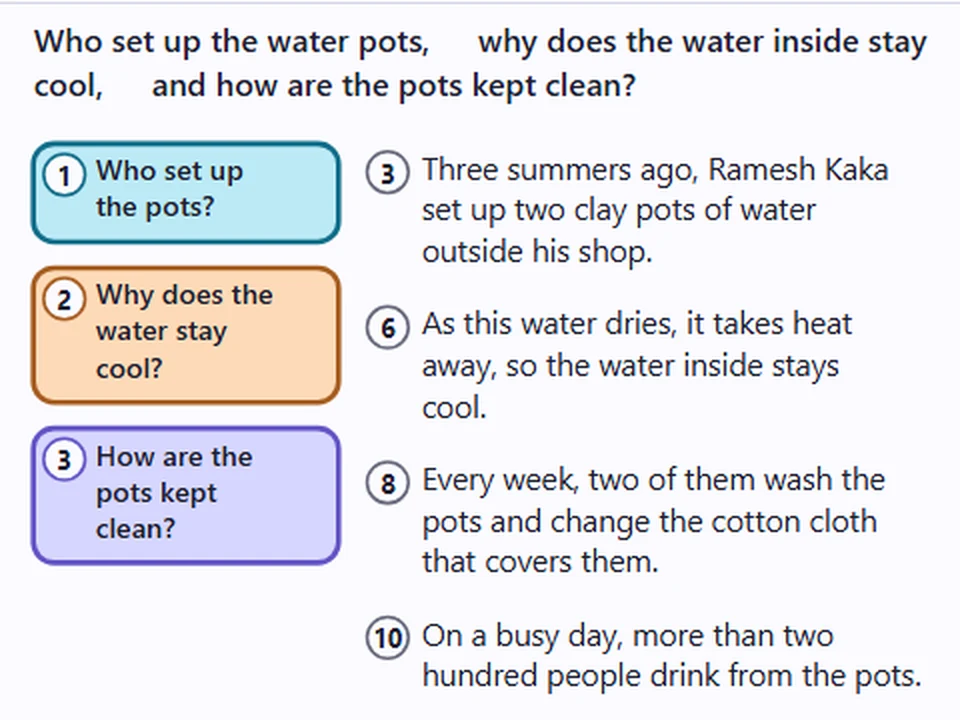
Long tasks broken into parts, one step at a time.
-
Attention and pacing
Shorter stretches of work, with breaks.
-
Feeling overloaded
A calmer pace, fewer demands, and a person to talk to.
-
Predictability and senses
The same layout every time, clear next steps, less on the screen.
-
Language
Answer by tapping, drawing or choosing. Speaking is never required.
The people around the student
-
Teachers
A tap to confirm a support, a line about what they notice in class. They see each student's need, the support, and whether it is helping.
-
Psychologists
Two psychologists work with us: one advises our research, and one reviews students whose difficulties continue.
-
Parents
They give consent, and are told when a support is switched on.
-
Students
They can ask to talk to a person at any time. Learning questions go to the teacher, feelings and home go to the psychologist, and an urgent message shows a helpline straight away.
-
Juno, the study helper
Juno helps with lessons. It is not made to look or act like a person, and it does not give emotional support. A person does.

Data and safety
-
Consent
The school decides how student data is used. Parents give consent.
-
Our own servers
Student data and our AI run on EduRhythm's own servers. Children's voices are never sent to outside companies.
-
Reports stay private
Clinical reports stay with the psychologist. Teachers and parents never see them, and every view is logged.
-
No labels, no scores
No condition names and no scores on any student, parent or teacher screen.
-
No hidden tracking
We do not record clicks or how long a student hesitates.
-
No diagnosis
EduRhythm does not diagnose.
Bring EduRhythm to your school.
Write to us and we will show you how it works in a class.